Top Reasons to Use a VPN on Android in 2026

A VPN (Virtual Private Network) is the single most effective tool Android users have for encrypting their internet connection, masking their IP address, and protecting their data from surveillance, advertisers, and cybercriminals. The reasons to use a VPN on Android go well beyond basic privacy. In 2026, your Android phone handles banking, streaming, gaming, remote work, and travel, making it one of the most exposed devices you own. Whether you’re on a coffee shop’s Wi-Fi or roaming internationally, a VPN creates a secure, encrypted tunnel between your phone and the internet. This article covers every major reason why that tunnel matters.
1. Reasons to use a VPN on Android for privacy and tracking protection
A VPN encrypts your traffic and hides your IP from your internet service provider, network operators, and anyone else watching traffic on a shared connection. That means your ISP cannot see which sites you visit, and advertisers cannot tie your browsing to your real location. This is the foundational benefit of VPN on Android, and it matters every single day.
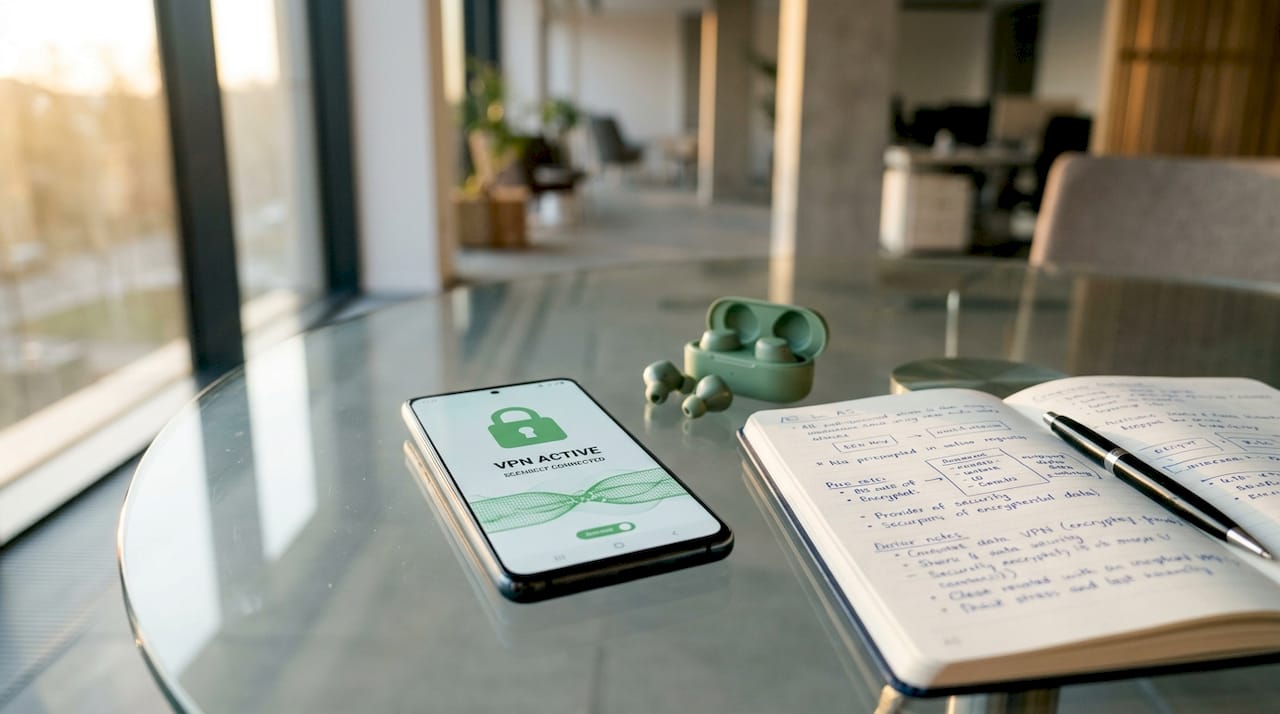
What a VPN does at the network level is significant. It stops your ISP from selling your browsing data to ad networks, a practice that is legal in many U.S. states. It also prevents the coffee shop router from logging your activity. That said, a VPN does not stop Google, Facebook, or app-level trackers from following you once you’re inside an app or logged into a website. Think of it as a layered security approach: the VPN handles the network layer, while browser privacy settings and tracker-blocking apps handle the application layer.
Here’s what a VPN protects at the network level on Android:
- Your real IP address (replaced with the VPN server’s IP)
- DNS queries (which reveal every domain you visit)
- Connection timing and metadata visible to local network operators
- Browsing data your ISP would otherwise log and potentially sell
Pro Tip: Enable your VPN’s “Always-On VPN” setting in Android’s network options. This forces all traffic through the VPN from the moment your phone connects to any network, with no gaps.
2. Accessing geo-restricted streaming and content
VPN servers change your apparent location for services like Netflix, HBO Max, BBC iPlayer, and regional gaming servers, giving you access to content libraries that are blocked in your country. This is one of the most popular VPN advantages for mobile users, and it works by routing your traffic through a server in the country where the content is licensed.
The practical use cases are wide. A U.S. user can access UK-exclusive BBC content. A traveler in Southeast Asia can keep watching their home Netflix library. Gamers can connect to servers in regions with lower latency or earlier game releases. VPNs also add a layer of privacy when torrenting on Android, masking your IP from peer-to-peer networks.
One important caveat: streaming platforms like Netflix actively detect and block VPN IP ranges. Not every VPN gets through. Choosing a provider that regularly rotates its server IPs and maintains dedicated streaming servers is the difference between success and a proxy error screen.
| Use case | VPN benefit | Key consideration |
|---|---|---|
| Netflix / HBO Max | Access other regional libraries | Provider must bypass VPN detection |
| BBC iPlayer | Watch UK content abroad | Requires a UK-based server |
| Online gaming servers | Connect to less congested regional servers | Server speed and ping matter |
| Torrenting | Masks IP on peer-to-peer networks | Use a provider with a no-log policy |
3. Safer gaming and better network performance
ISP throttling of gaming traffic is a documented and common practice. When your ISP detects high-bandwidth gaming or streaming sessions, it can selectively slow your connection. A VPN encrypts your traffic so your ISP cannot identify what type of data you’re sending, which removes the trigger for throttling entirely.
Beyond throttling, a VPN protects your real IP address from being exposed during online gaming. DDoS attacks targeting individual players are a real threat in competitive gaming. When your IP is masked by a VPN server, attackers cannot flood your connection directly. Gaming on public Wi-Fi at a hotel or airport adds another layer of risk that VPN encryption addresses directly by preventing other users on the same network from intercepting your session data.
VPNs can also improve ping in specific scenarios. If your ISP routes traffic inefficiently to a game server, connecting through a VPN server geographically closer to the game’s data center can reduce latency. This is not guaranteed, but it is a real and measurable benefit for some Android gamers.
- VPN hides traffic type from ISP, preventing throttling during peak hours
- Masks your real IP to protect against targeted DDoS attacks
- Encrypts gaming sessions on public Wi-Fi hotspots
- Can reduce ping by routing through less congested network paths
Pro Tip: Test your ping with and without the VPN active before committing to a server. Connect to a VPN server in the same region as your game’s servers for the best results.
4. Why a VPN is critical for travel and remote work
Encrypting your connection on unfamiliar or shared networks is the primary reason business travelers and remote workers rely on VPNs. Hotel Wi-Fi, airport hotspots, and café networks are shared environments where other users on the same network can potentially intercept unencrypted traffic.
Here is why this matters in practice:
- Banking and finance apps. Your bank’s app encrypts its own data, but the network metadata is still visible. A VPN adds a second layer, hiding even the fact that you’re connecting to a financial institution.
- Work platforms. Tools like Slack, Microsoft Teams, and corporate VPNs often require a secure connection. Using a personal VPN on public Wi-Fi before connecting to a corporate network adds meaningful protection.
- Messaging apps. Apps like WhatsApp and Signal encrypt messages end-to-end, but a VPN prevents network operators from seeing that you’re using them at all, which matters in countries with surveillance laws.
- Location privacy. A VPN masks your real location from apps and websites that track IP-based geolocation, reducing the data trail you leave while traveling internationally.
Financial and authentication apps running on public Wi-Fi benefit most from VPN encryption because credential theft is the primary risk on shared networks. For travelers, this is not optional protection. It is standard digital hygiene. You can find additional guidance on securing your Android while abroad in this mobile security guide for travelers.
5. Protecting your Android on public Wi-Fi
Public Wi-Fi is the highest-risk environment for Android users. A VPN creates a secure tunnel that prevents network operators and other users on the same hotspot from seeing your data, your DNS requests, or your connection destinations.
The threat on public Wi-Fi is not theoretical. Man-in-the-middle attacks, where a malicious actor intercepts traffic between your device and the router, are straightforward to execute on open networks. Without a VPN, your Android sends data in a form that anyone with basic network tools can read. With a VPN active, that data is encrypted before it leaves your device.
This applies to every public network: airports, hotels, gyms, libraries, and retail stores. Android’s built-in security does not protect you at the network level. Google Play Protect scans for malicious apps, but it does not encrypt your traffic. A VPN fills that gap directly.
6. Reducing ISP data collection and ad targeting
Your ISP sees every domain you visit, every app that calls home, and every connection your Android makes. In the United States, ISPs are legally permitted to sell anonymized browsing data to advertisers. A VPN prevents this by encrypting your traffic before it reaches the ISP’s infrastructure, leaving them with nothing useful to sell.
This is a concrete, measurable benefit of VPN on Android that most users underestimate. The advertising ecosystem that follows you across apps and websites starts with data collected at the network level. Cutting off that data source does not make you invisible, but it removes one of the most persistent and invisible forms of tracking you face every day.
Pair a VPN with a privacy-focused DNS provider like Cloudflare’s 1.1.1.1 or NextDNS for stronger protection. The VPN handles the tunnel; the DNS provider handles query-level privacy. Together, they significantly reduce what your ISP and ad networks can observe.
7. Understanding VPN limitations and risks on Android
A VPN is not a complete privacy solution, and understanding its limits makes you a smarter user. A newly discovered Android 16 bug allows the system service ConnectivityManager to send traffic outside the VPN tunnel even when the VPN is active, potentially exposing your real IP address. This is a significant vulnerability that affects users running Android 16 before a patch is issued.
The Android 16 VPN leak bug is a reminder that OS-level vulnerabilities can undermine even a correctly configured VPN. Keeping your Android updated and using trusted providers with kill-switch features is the only reliable mitigation.
Beyond OS bugs, a VPN does not stop malware, phishing attacks, or app-level tracking. Trusted VPN providers use RAM-only servers and audited no-log policies, meaning they store nothing that could be handed over in a data breach or legal request. Choosing a provider without a verified no-log policy defeats much of the privacy benefit.
| Risk | What a VPN does | What it doesn’t do |
|---|---|---|
| ISP data collection | Encrypts traffic from ISP view | Stops app-level tracking |
| Public Wi-Fi interception | Encrypts all network traffic | Protect against malware |
| IP-based ad targeting | Masks real IP address | Block cookies or fingerprinting |
| Android 16 VPN leak bug | Kill switch can limit damage | Fix the OS bug itself |
Combine your VPN with strong passwords, multi-factor authentication, and regular Android updates. VPN works best as part of a layered defense, not as a standalone fix. For a deeper look at how VPN protection works at the technical level, the Rapidrabbit how it works page breaks it down clearly.
Key takeaways
A VPN on Android protects your privacy, secures your data on public networks, unlocks geo-restricted content, and reduces ISP throttling, but it works best as part of a broader security strategy.
| Point | Details |
|---|---|
| Network-level privacy | VPN encrypts traffic and hides your IP from ISPs, advertisers, and network operators. |
| Public Wi-Fi security | All data is encrypted before leaving your device, blocking interception on shared networks. |
| Content access | Routing through foreign servers unlocks regional streaming libraries and gaming servers. |
| Gaming performance | VPN prevents ISP throttling and shields your IP from DDoS attacks during gaming sessions. |
| Know the limits | Android 16 has a known VPN leak bug; combine VPN with updates, MFA, and strong passwords. |
Why I think most Android users still underestimate VPNs
I’ve spent years watching people treat VPNs as something only journalists or activists need. That view is outdated and, frankly, costly. The average Android user connects to multiple public networks every week, runs banking apps on hotel Wi-Fi, and streams content across borders without a second thought. Every one of those scenarios carries real, documented risk.
What changed my perspective was not a dramatic breach. It was the mundane reality of how much data ISPs and advertisers collect from unprotected connections. When you see the volume of metadata a single unencrypted session generates, the case for a VPN stops being theoretical.
My practical advice: pick a provider that uses WireGuard, the current gold standard protocol for speed and security. Verify they have an independently audited no-log policy. Enable the kill switch. Then forget about it. A good VPN runs quietly in the background and only becomes visible when it saves you from something you never saw coming.
The Android 16 leak bug is a useful reminder that no tool is perfect. Stay updated, stay layered, and do not treat any single security tool as a complete solution. VPNs are indispensable. They are not magic.
— Darius Helzinski
Try Rapidrabbit VPN on your Android today
Rapidrabbit is built for Android users who want real protection without a technical degree. It runs on WireGuard, the gold-standard VPN protocol, delivering fast, encrypted connections with a no-log policy you can trust. Just tap the carrot and you’re protected.

Whether you’re streaming from abroad, gaming on a public hotspot, or just keeping advertisers out of your business, Rapidrabbit covers it. Setup takes under two minutes on Android, and you do not need to touch a single setting to stay safe. Check out why a VPN matters for your Android, or head straight to Rapidrabbit to start your free trial. Your data is yours. Keep it that way.
FAQ
Do I really need a VPN on my Android phone?
Yes. A VPN encrypts your traffic, hides your IP address, and protects your data on public Wi-Fi networks, all of which are daily risks for Android users. It also prevents your ISP from logging and selling your browsing activity.
Does a VPN slow down my Android?
A well-built VPN using WireGuard adds minimal latency. In cases where your ISP throttles gaming or streaming traffic, a VPN can actually improve your speeds by hiding the traffic type from your provider.
Can a VPN unblock Netflix on Android?
Yes, but only with a provider that actively maintains servers capable of bypassing Netflix’s VPN detection. Not all VPNs work reliably with streaming platforms, so provider choice matters.
Is there a VPN bug in Android 16?
Yes. A confirmed bug in Android 16 allows some system traffic to bypass the VPN tunnel and expose your real IP. Enabling your VPN’s kill switch and keeping Android updated are the best mitigations available right now.
What should I look for in the best VPN for Android?
Look for WireGuard protocol support, an independently audited no-log policy, a kill switch, and RAM-only servers. You can also review mobile proxy setup options if you need more granular control over your mobile connection routing.